Self-custody, made simple

Your Crypto, Safe Everywhere

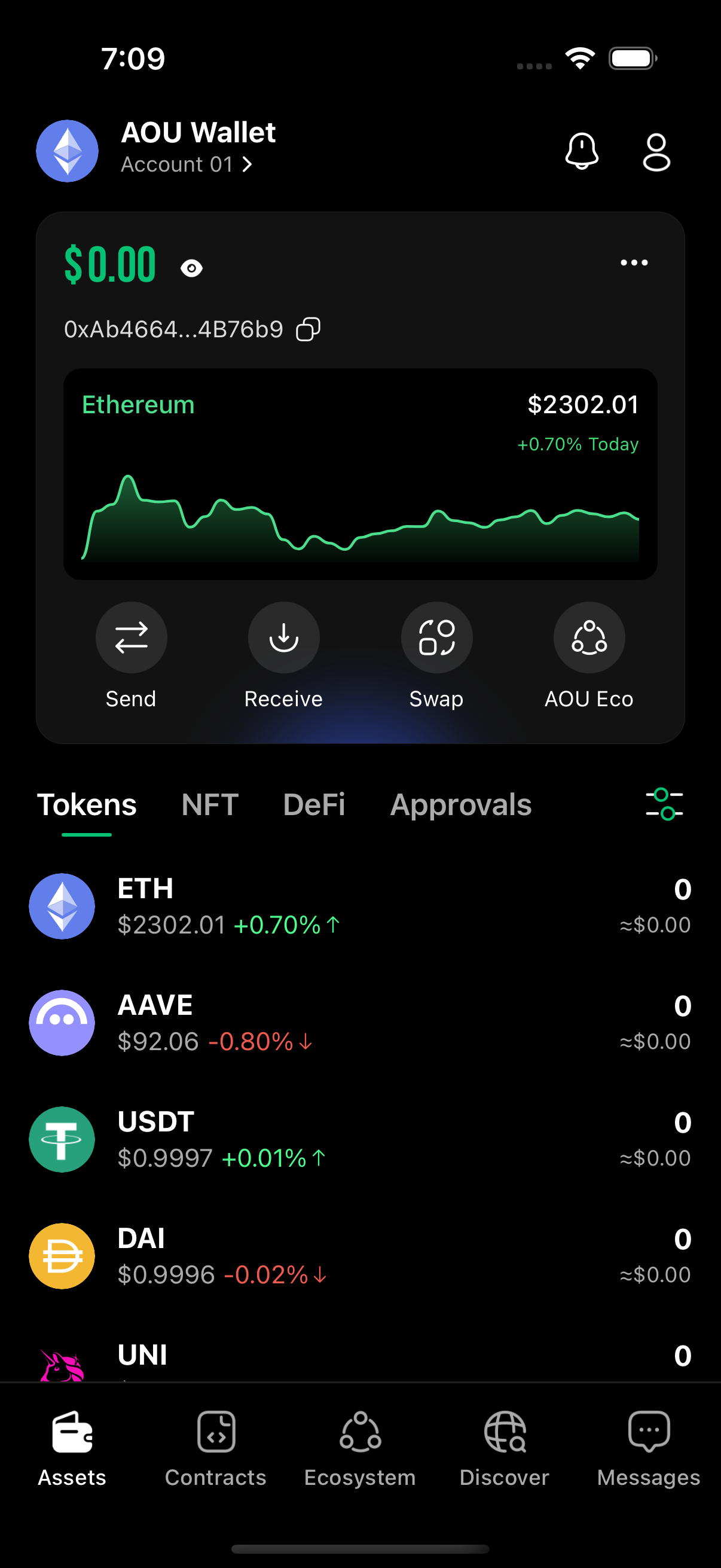
A multi-chain wallet built for your first crypto. Your assets stay in your hands — security stays in ours.

Major Chains
Tradable Tokens
Languages
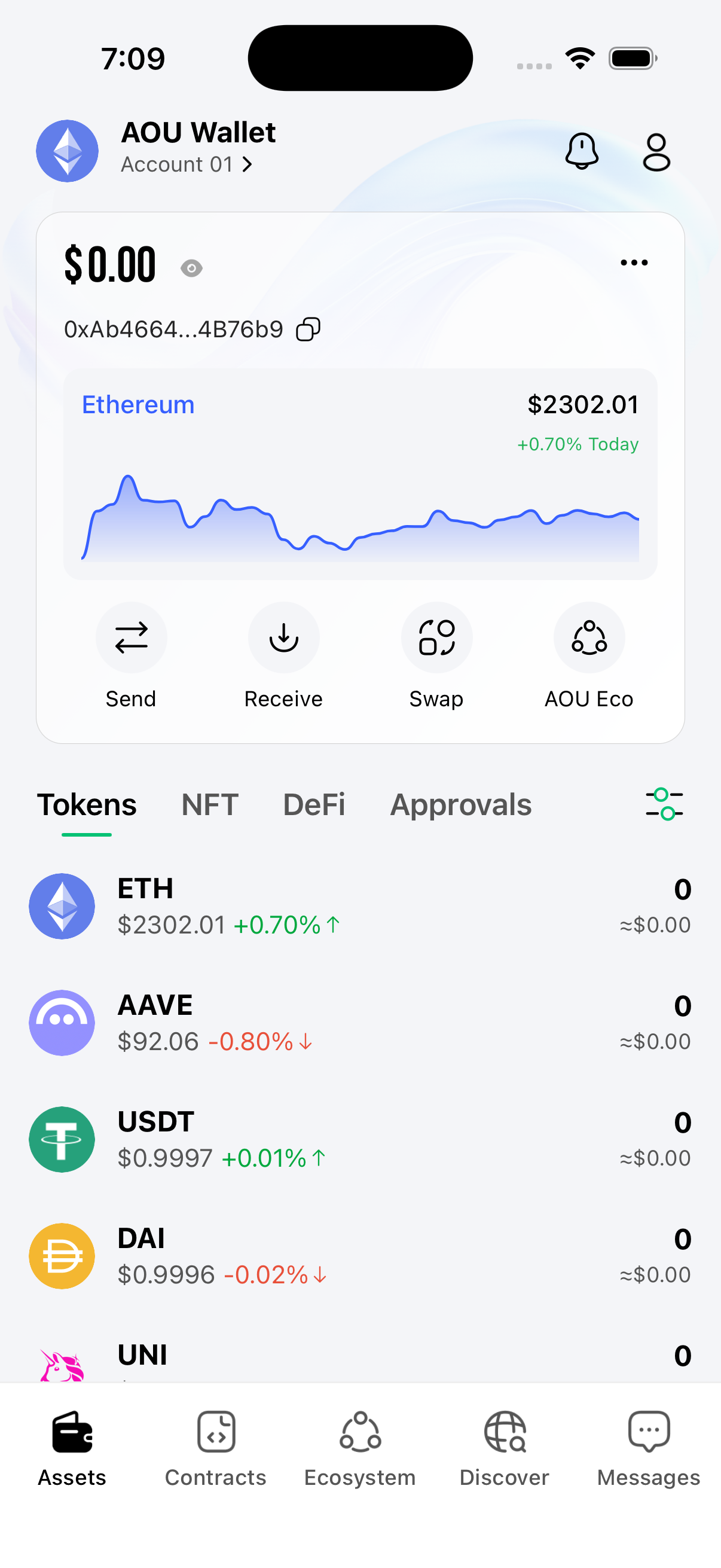
AOULink wallet app
Scroll to explore

7

Chains Supported

EVM · Bitcoin · Tron

100+

Tokens

ETH, USDT, BTC and more

WalletConnect V2

DApp Access

One scan, any DApp

10

Languages

中文 · 日本語 · 한국어 · English

Multi-Chain

All Your Chains, One Wallet

Ethereum, BSC, Arbitrum, opBNB, Bitcoin, and Tron — one mnemonic, every chain. Cross-chain swaps and DApps, all in your pocket.

AOULink
BTC
ETH
SOL
BNB
AVAX
POL
AOU
ARB
Bitcoin
BitcoinBTC
Ethereum
EthereumETH
Solana
SolanaSOL
POL
POLPOL
Avalanche
AvalancheAVAX
BNB Chain
BNB ChainBNB
AOU Chain
AOU ChainAOU
Arbitrum
ArbitrumARB
Bitcoin
BitcoinBTC
Ethereum
EthereumETH
Solana
SolanaSOL
POL
POLPOL
Avalanche
AvalancheAVAX
BNB Chain
BNB ChainBNB
AOU Chain
AOU ChainAOU
Arbitrum
ArbitrumARB
01

Multi-Chain Coverage

One mnemonic, every chain. EVM, Bitcoin, and Tron — natively supported, no juggling wallets.

02

One-Tap Cross-Chain

Symbiosis-powered swaps move tokens between EVM, Bitcoin, and Tron in a single tap.

03

Self-Custody, Always

Keys never leave your device. Multi-wallet management, biometric unlock, encrypted mnemonic backup — built-in.

04

Built-in Social

DM, groups, and live rooms — your community lives where your wallet is.

Device-Level Encryption

iOS Keychain / Android Keystore secure-chip storage

Biometric Authentication

Face ID & fingerprint dual lock

Anti-Screenshot Shield

Sensitive screens auto-blocked

App Lock

PIN unlock + background auto-lock

Security First

Bank-Grade Security,
Your Keys Stay Yours

Mnemonics and private keys are encrypted inside your device's secure chip (iOS Keychain / Android Keystore) — nothing ever leaves your phone. Face ID, Touch ID, and a locked-down on-device vault stand between your assets and the world.

Self-Custody Always

You hold the keys. Private keys never leave your device — no custodian, no counterparty risk.

Hardware-Secured

Mnemonics live inside your phone's secure enclave. Every signature requires a biometric tap — nothing ever moves without your explicit approval.

Phishing Protection

DApp call validation and contract scanning catch malicious approvals before you sign. Risky permissions are flagged in plain language.

Features

More Than a Wallet

Connect to any DApp, talk to any market, in any language — all from one app.

CORE · 01

DApp & WalletConnect

Built-in Web3 browser plus WalletConnect V2 — connect to any DApp safely with a single scan.

CORE · 02

10 Languages, Asia-First

Full localization for Simplified & Traditional Chinese, Japanese, Korean, Vietnamese — plus English, French, Spanish, German, and Russian.

CORE · 03

Native-Speed UX

Buttery 60fps animations, instant launches, and rock-steady performance — built mobile-native, not a webview. Smooth on flagships and low-end Android alike.

Get Started

Download AOULink
Start in 60 Seconds

Available on iOS and Android. Create your wallet, back up your recovery phrase, and start managing your crypto today.

Multi-Wallet Management | Dark Mode | Smart Gas Fees | Built-in Beginner Guide
FAQ

Common Questions

Everything newcomers ask before downloading.

Is AOULink custodial?
No. Your private keys live in your phone's secure chip. AOULink can't access, freeze, or recover your funds — that's the trade-off of true self-custody.
Where are my private keys stored?
Inside your device's secure enclave (iOS Keychain / Android Keystore), protected by Face ID, Touch ID, and your PIN. Nothing is ever uploaded to a server.
Does AOULink charge fees?
No platform fees. You pay standard network gas, plus a small spread on cross-chain swaps via Symbiosis. That's it.
Which chains are supported?
6 chains today — Ethereum, BSC, Arbitrum, opBNB, plus Bitcoin and Tron natively. Custom EVM RPC is supported for power users.
What if I lose my recovery phrase?
Without your 12-24 word mnemonic, no one can recover your wallet — not even AOULink. Back it up offline immediately, ideally on paper or stamped steel.
Contact

We're here to help.

For technical questions, account support, or product feedback, our team responds within one business day.

Support email support@aoulink.com

Download AOULink

QR Code

Scan with your phone camera to download